Made for small business invoices
Use it for client work, shop sales, consulting, agency billing, contractor jobs, service invoices, and everyday customer records.
Make invoices for clients and customers with items, tax, discounts, and payment terms.Preview the invoice, download a PDF, or switch to a bill, receipt, or quote when you need one.
Choose the format you need, fill the details, preview the document, and download the PDF.
Start with an invoice, bill, receipt, or quote.
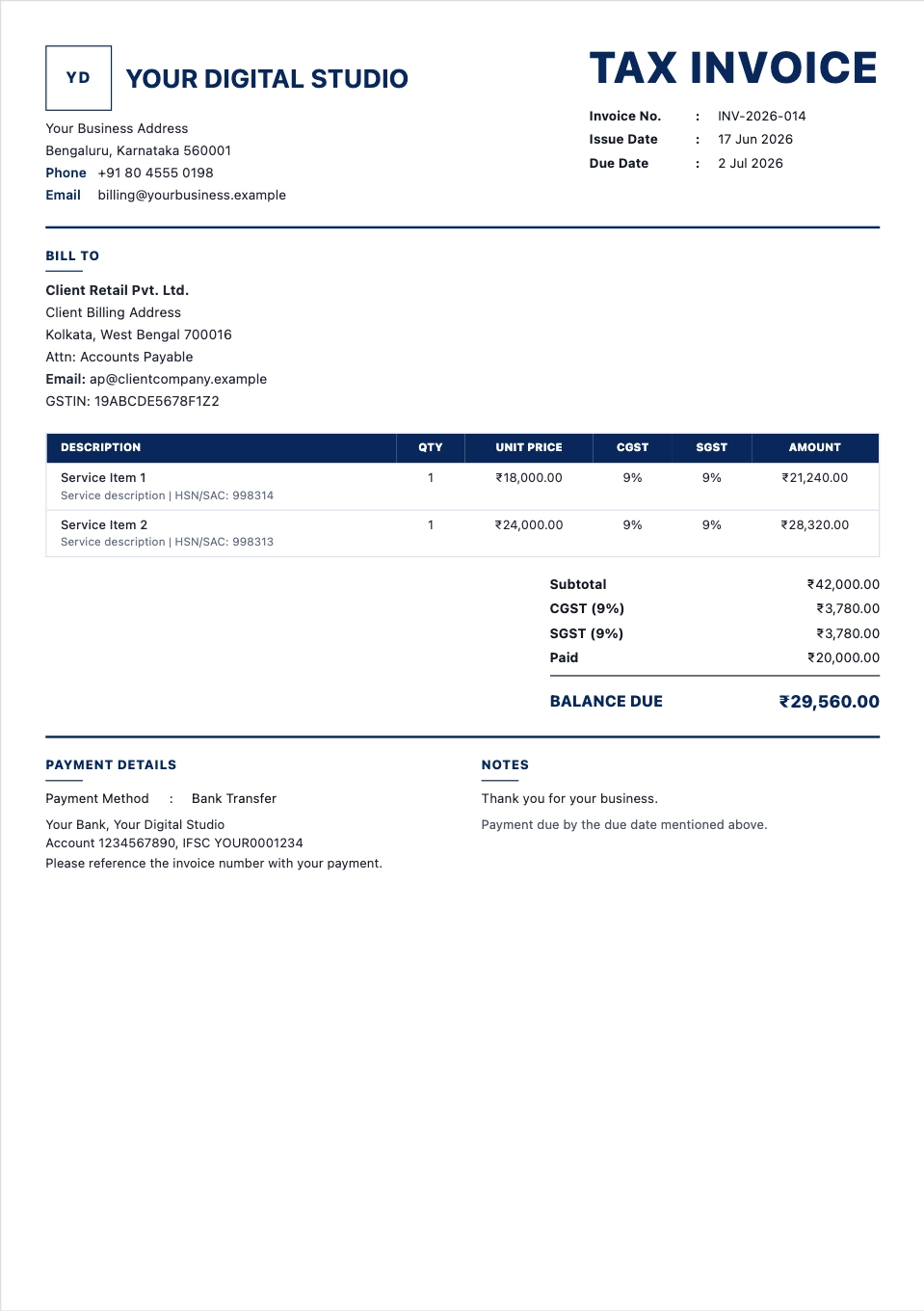
Create a tax invoice with item rows, tax fields, totals, notes, and payment terms.
Open generator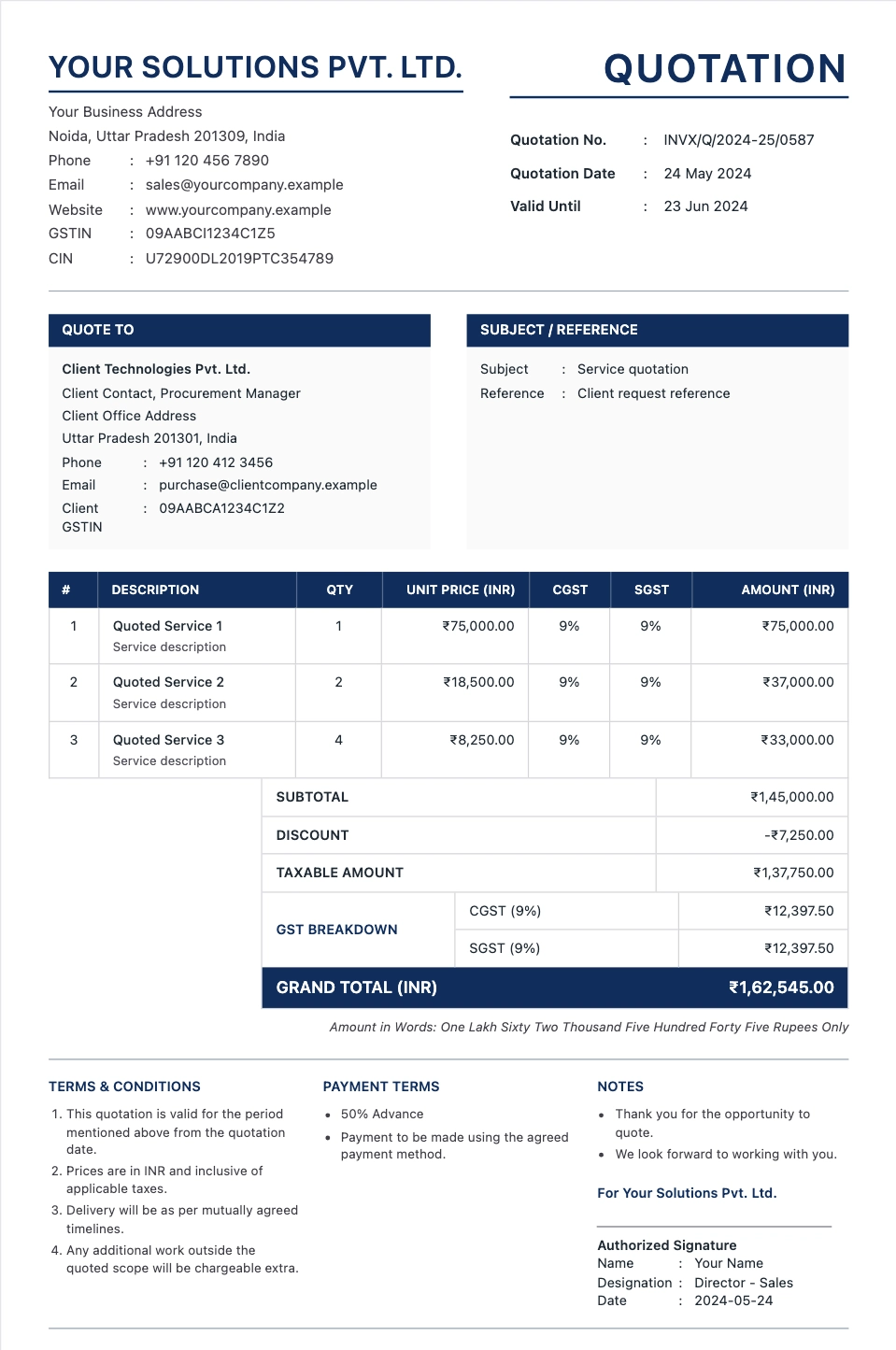
Send a quote before work starts and keep the details ready for the invoice.
Open generator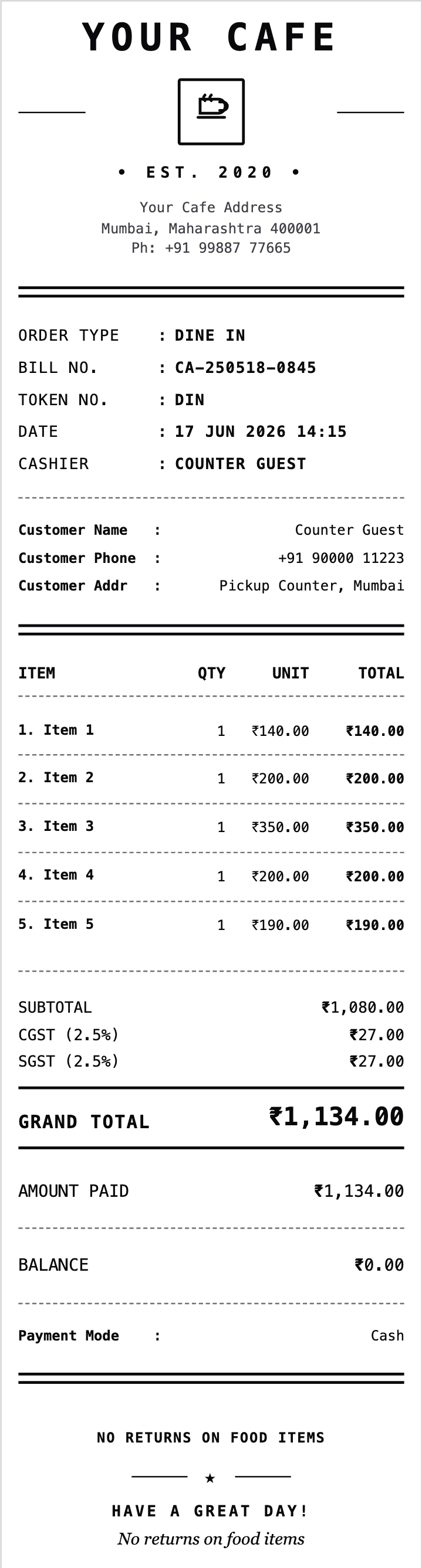
Make itemized food receipts for dine-in, takeaway, and customer records.
Open generator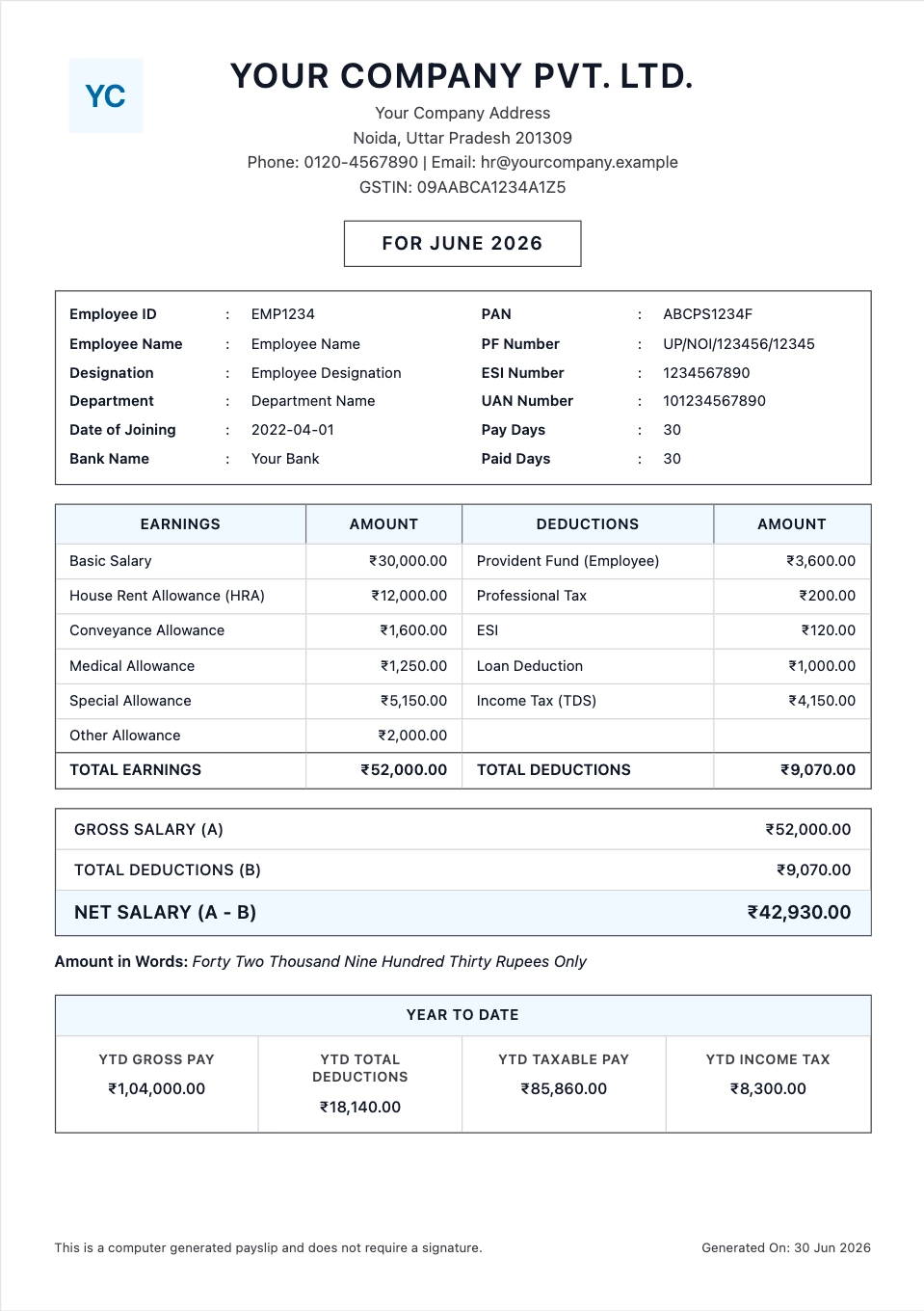
Create monthly salary slips with earnings, deductions, net pay, and PDF download.
Open generatorUse it for client work, shop sales, consulting, agency billing, contractor jobs, service invoices, and everyday customer records.
Add GST, VAT, sales tax, discounts, invoice numbers, due dates, payment terms, and notes without rebuilding the layout yourself.
The preview updates while you add customer details, item rows, tax, discounts, notes, and totals, so you know how the PDF will look.
Create invoices first, then use related generators for receipts, restaurant bills, rent receipts, salary slips, hotel bills, and quotes.
Choose the invoice generator, add the billing details, watch the preview update, and download the PDF.
Start with the invoice generator, or choose a bill generator, receipt maker, quotation generator, or another format.
Enter your business name, customer name, invoice date, items, tax, discounts, logo, and payment terms.
See the invoice take shape while you fill the form, including tax lines, totals, notes, and customer details.
Download the invoice PDF to email, print, submit, or keep with your records.
Add the billing details, use the live preview to check the invoice, and download a PDF. Use the other generators when you need a receipt, quote, slip, or bill.